Match assets with publishing information
Import videos and image sets in bulk and automatically match titles, captions, and hashtags from Excel, reducing manual preparation and checks.

 Visual Asset Distribution System
End-to-end distribution management for brand short videos and images
From managing assets in bulk and setting up campaigns to collection, publishing, and proof submission by dealers and stores, brand teams can manage progress, verify results, and export campaign data in one system.
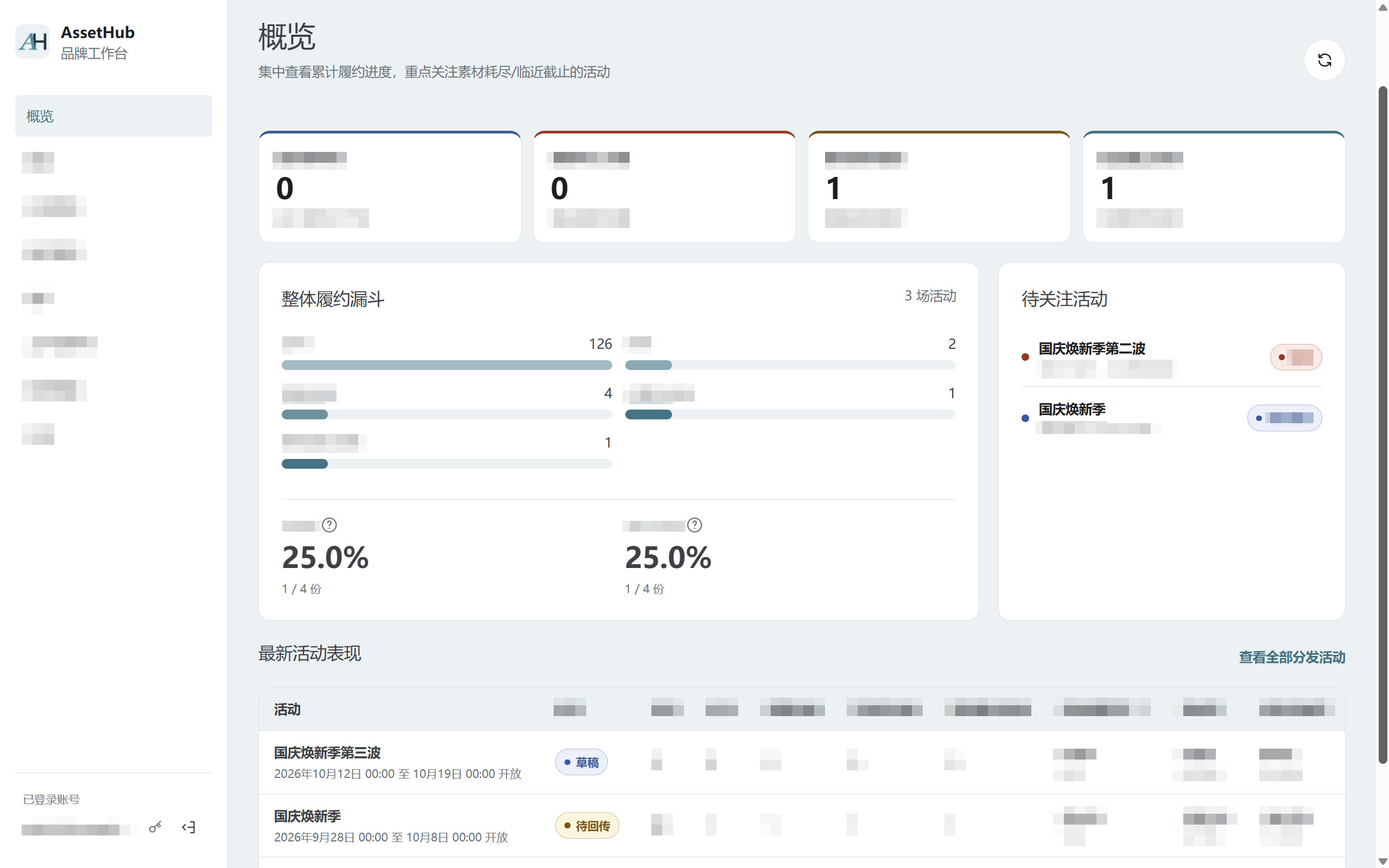
Import videos and image sets in bulk and automatically match titles, captions, and hashtags from Excel, reducing manual preparation and checks.
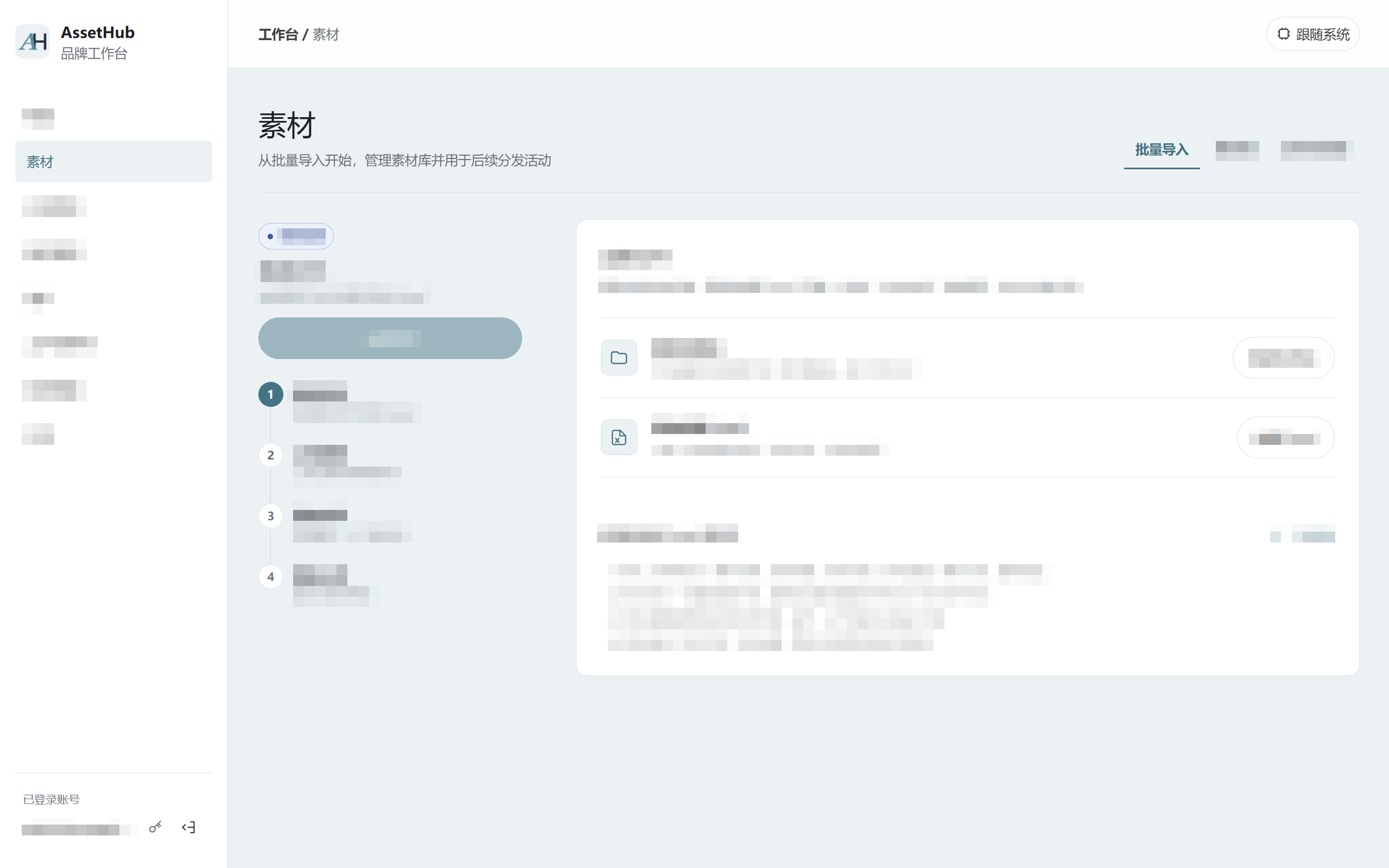
Set participation methods, allocation rules, and collection limits. Each asset is allocated only once within a campaign.
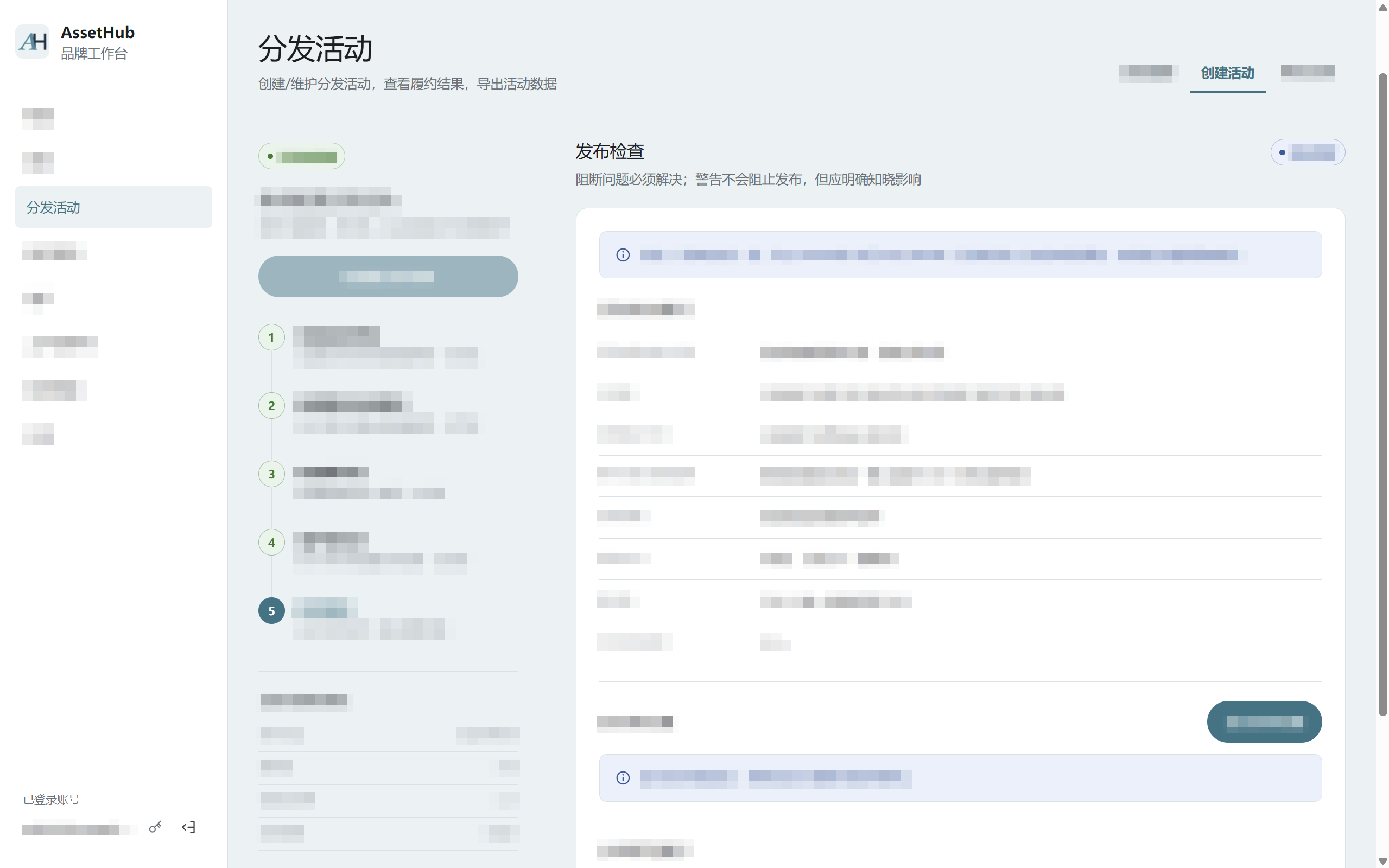
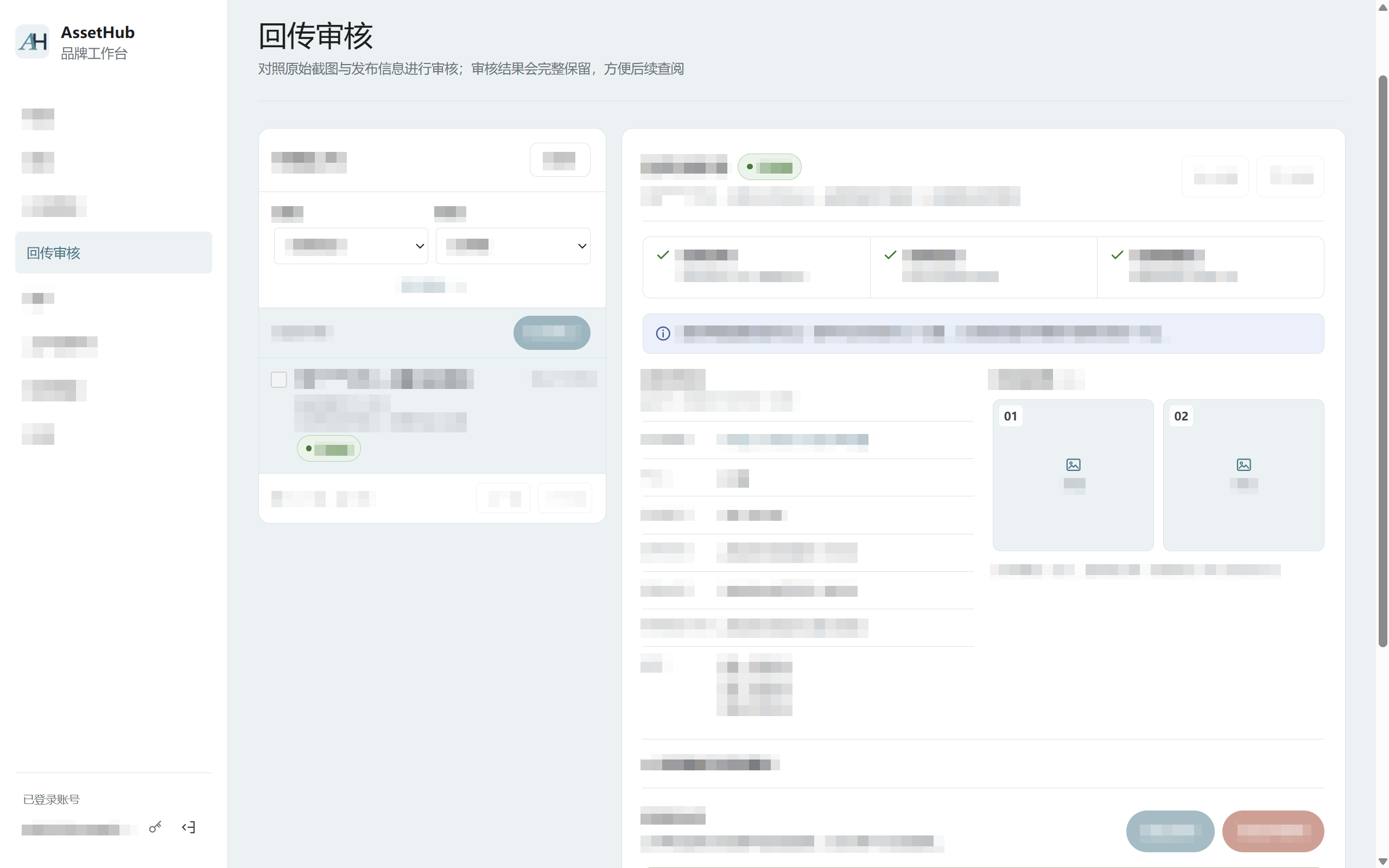
View publishing information, screenshots, and review records in one place, track campaign progress, and export results by campaign.
Upload in bulk and check assets and publishing content
Choose assets and set participation and collection rules
Channel users collect assets and publish on social platforms
Submit publishing details and screenshots for brand review
View campaign progress, filter, and export results
A shared workspace for asset management, campaign operations, proof review, and reporting. Staff work within their assigned permissions, reducing repeated checks across folders, spreadsheets, and chat records.
Store and channel staff open a campaign link or QR code in their mobile browser to view requirements, collect assets, and submit publishing results.
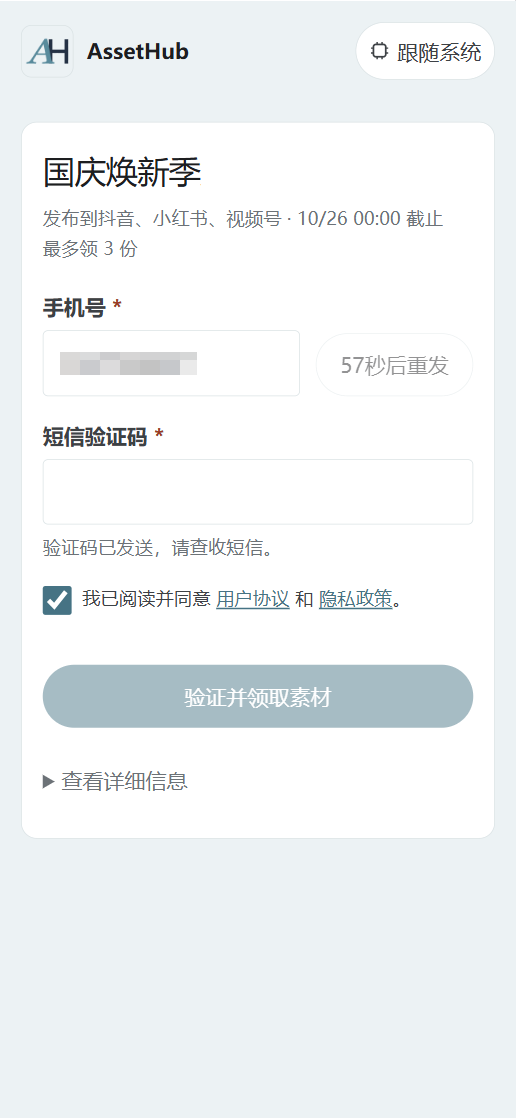
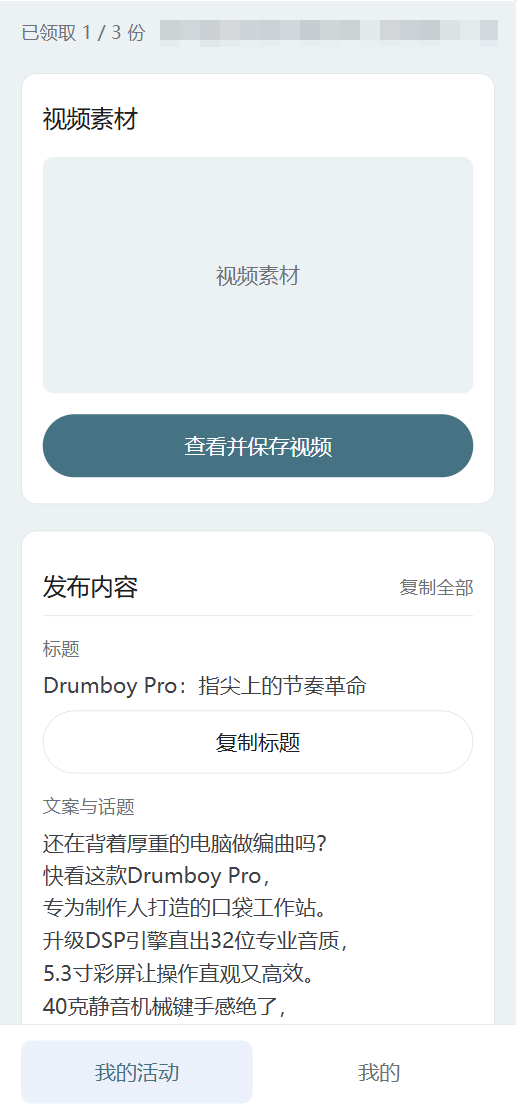
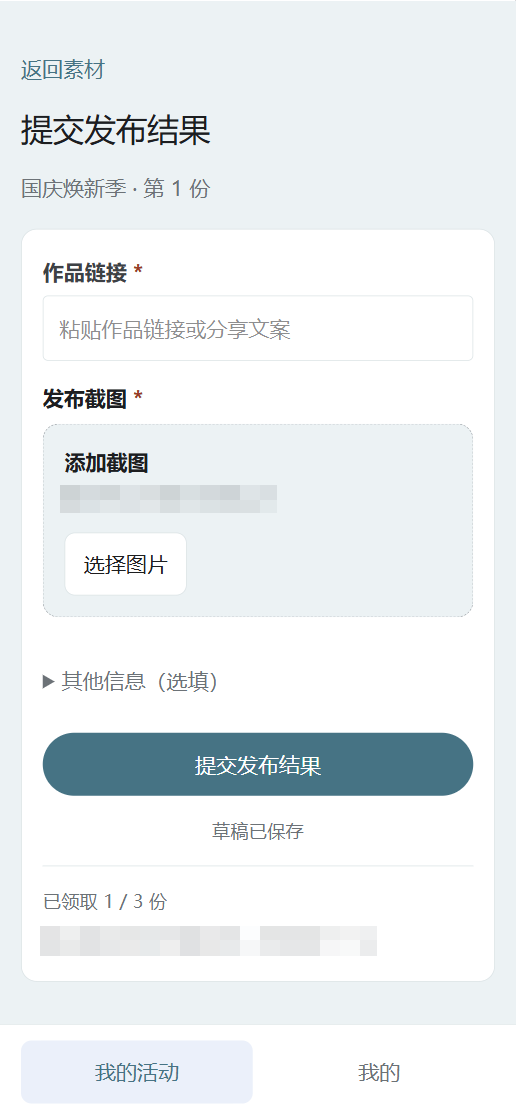
Use distribution campaigns to coordinate work when assets need to reach multiple people, stores, or channels and publishing progress needs to be tracked.
Headquarters provides assets, stores collect and publish them by campaign, and the brand team tracks proof submissions in one place.
Manage participation with phone number allowlists or unique codes, allocate assets by group, and follow publishing and review progress across campaigns.
Provide videos and image content through time-limited campaigns, set clear publishing requirements, and review proof and results centrally.
Teams that regularly distribute brand content to dealers, stores, or other channel users and need to track publishing results centrally. Brand staff manage assets, campaigns, and submissions in a desktop workspace, while channel users collect assets and submit publishing results through mobile web pages.
Short videos and image sets are supported, including MP4 and MOV videos and JPG, JPEG, PNG, and WebP images. Import assets in bulk from folders and automatically match titles, captions, hashtags, and other publishing information from Excel to reduce repeated data entry.
An image set groups multiple images into one asset for publishing image-and-text cards on Xiaohongshu or WeChat image-post accounts. After collecting a set, channel users can publish it with the accompanying titles, captions, and hashtags.
Publishing proof can be submitted for Douyin, Xiaohongshu, WeChat Channels, Bilibili, and other social platforms. Brands set the platforms and requirements for each campaign. After collecting assets and publishing, channel users can submit post links and screenshots for review.
Each asset is allocated only once within a campaign, reducing identical posts by multiple users. Assets can also be allocated by channel group and asset tags so users receive more relevant content. Users can adapt titles, captions, and hashtags to their own context.
No. A campaign link or QR code opens the mobile web page, where users can collect assets, access publishing content, and submit proof, making participation easier.
Campaigns can use unique-code verification or a participation method that does not require a phone number. Brands manage participation according to campaign needs. Users can collect assets and submit proof using an assigned unique code or as guests.
Users receive accompanying publishing titles, captions, and hashtags that they can copy directly. They can also view campaign instructions, platforms, schedules, and publishing requirements, reducing repeated communication and helping them follow brand requirements.
Track asset collection, proof submission, and review progress. View post links and publishing screenshots in one place to check whether channel users have completed publishing as required.
Track participation, collection, submission, and approval progress by campaign. Where business affiliation information is available, results can also be grouped by store or dealer. Filter and export campaign results to Excel for reviews, reports, and further business analysis.
Data is isolated by brand organization, and staff access assets, submissions, and reports according to their roles and permissions. Sensitive information is displayed and exported according to permissions. Assets and screenshots use controlled authorized access, and key operations are logged for traceability.